Chapter 04 Variables & Data Types
#035 Transforms
Spawn a bullet. Where? Facing which way? How big? One Transform answers all three.
- 1:11 video
- Written lesson
- Beginner
Free for everyone from 2 Nov 2026, 00:00 CET
Location, rotation and scale
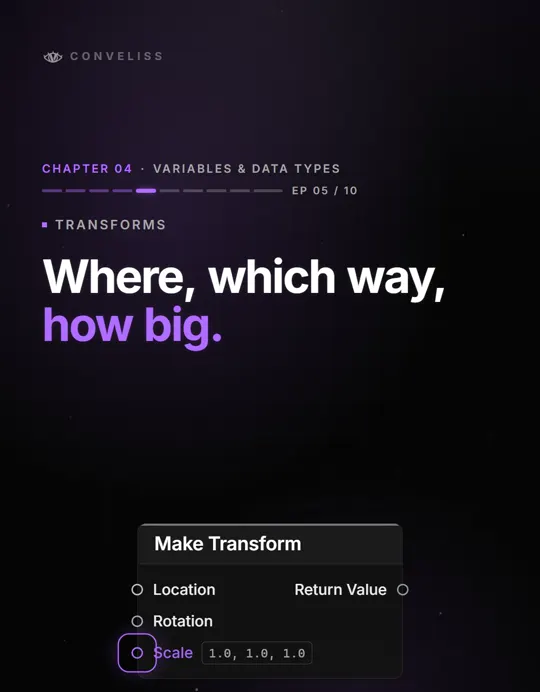
These three almost always travel together. A Transform bundles a Location vector, a Rotation and a Scale vector.
Scale defaults to 1, 1, 1. Zero on any axis squashes the mesh flat.
Make Transform builds one, Break Transform splits one apart, and Get Actor Transform reads an actor’s.
Components also store relative transforms: offsets measured from their parent component, instead of world space.
Example: a turret’s muzzle
The turret has a Muzzle component at the tip of its barrel. Its relative location never changes: 120 units forward. But as the turret turns, its world location follows the barrel.
Get World Transform, called on Muzzle, feeds Spawn Transform. Each bullet spawns at the tip, facing where the barrel points.
Common mistakes
- Spawning bullets at Get Actor Transform. The bullet appears inside the turret, at its center, not at the barrel tip.
- Set Relative Location moves a component from its parent, never to world coordinates.
In short
Location, rotation, scale: one Transform.
Covered in this lesson
- Transform
- Make Transform
- Break Transform
- Get Actor Transform
- Get World Transform
- Set Relative Location