Chapter 04 Variables & Data Types
#036 Enums
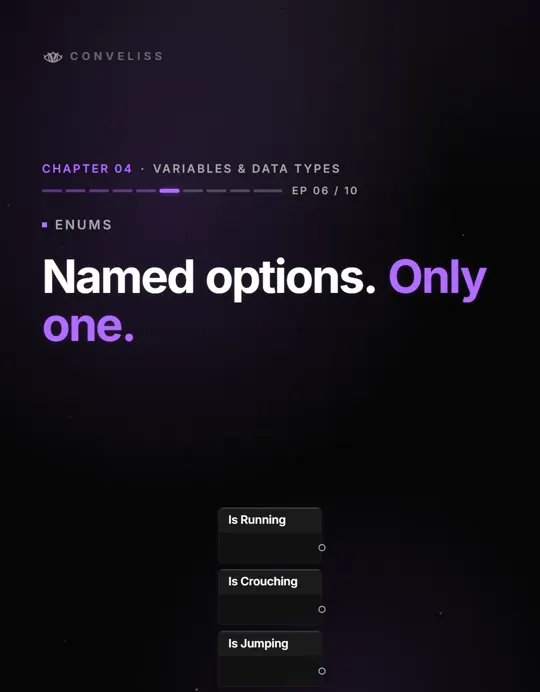
Is Running, Is Crouching, Is Jumping. Three Booleans, and two can both be true. An Enum allows only one.
- 1:12 video
- Written lesson
- Beginner
Free for everyone from 3 Nov 2026, 00:00 CET
One state at a time
Three Booleans make eight combinations, but your player has only four states.
An Enum lists named options. Create one with Content Browser → Add → Blueprint → Enumeration, then add one entry per state: Idle, Walking, Running, Crouching.
A variable of that type holds exactly one entry, so impossible combinations can’t happen.
New variables default to entry zero, so list your neutral state first.
Plug one into Print String, and the editor converts the entry to its name: handy for debugging.
Example: a movement state
A character has a Movement State variable.
- Shift pressed: Set Movement State to Running.
- C pressed: it becomes Crouching, and Running is replaced, not stacked.
To check the state, Equal compares it with one entry: Movement State equals Crouching. And Select picks one value per entry, like a walk speed for each state.
Common mistakes
- Merging states that don’t exclude each other. Is Aiming can be true while running, so it stays its own Boolean.
- Need different logic for every state? Switch on Enum, the next episode, gives each entry its own exec pin.
In short
Named options, and only one active.
Covered in this lesson
- Enumeration
- Equal
- Select
- Print String