Chapter 04 Variables & Data Types
#034 Rotators
A turret that always faces the player. One node finds the angle, and a Rotator stores the result.
- 1:14 video
- Written lesson
- Beginner
Free for everyone from 2 Nov 2026, 00:00 CET
Which way it faces
Location says where something is. It doesn’t say which way it faces.
Every Rotator holds three angles in degrees: Roll, Pitch and Yaw.
- Yaw turns left and right, around the up axis.
- Pitch tilts up and down.
- Roll banks sideways.
On Make Rotator, the pins read X Roll, Y Pitch and Z Yaw. So turning a character is Z, Yaw.
Need the direction it faces? Get Forward Vector turns a rotator into a vector of length one.
Example: a turret tracking the player
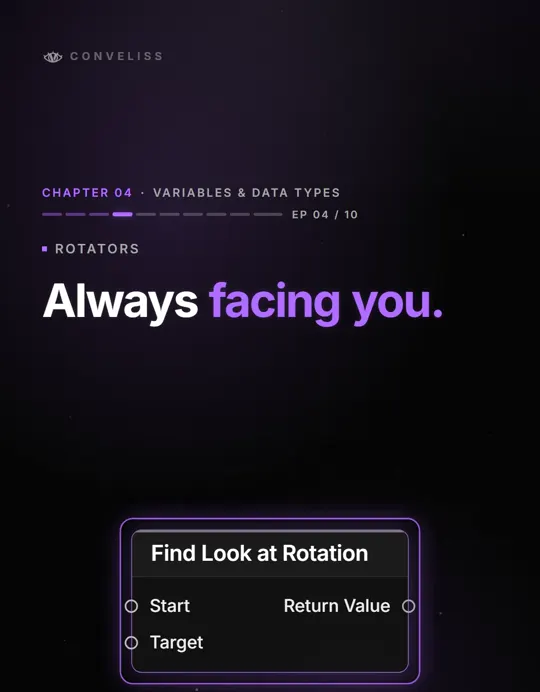
Find Look at Rotation takes the turret’s location and the player’s, and returns the rotation toward the player. Set Actor Rotation applies it, so Yaw follows the player around.
But when the player jumps, Pitch tilts the whole turret upward. Break the rotator and keep only the Yaw. Now the turret just turns.
Comparing angles
Set Yaw to 270, read it back, and you can get −90: same direction, different number. Run both values through Normalize Axis, which keeps angles from −180 to 180.
In short
Location says where. Rotation says which way.
Covered in this lesson
- Rotator
- Make Rotator
- Break Rotator
- Get Forward Vector
- Find Look at Rotation
- Set Actor Rotation
- Normalize Axis