Chapter 04 Variables & Data Types
#038 Structures
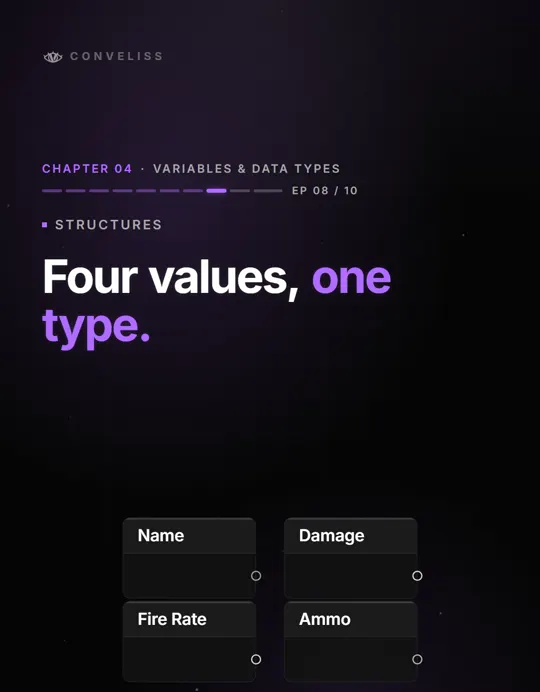
Name, damage, fire rate, ammo. Four variables per weapon, times ten weapons. Or one Structure.
- 1:12 video
- Written lesson
- Beginner
Free for everyone from 4 Nov 2026, 00:00 CET
Video coming soon
One type for related values
Separate arrays for names and damage must stay perfectly aligned, and one wrong index mixes everything.
A Structure bundles variables of different types into one new type. Create one with Add → Blueprint → Structure, then add members: Name, Damage, Fire Rate, Ammo. Each member has its own type and default value.
You already know some structs: Vector, Rotator and Transform are structures too.
Example: a weapon struct
One value carries all four members.
- Make an array of these structs, and every entry keeps its own name, damage and ammo together.
- Get index two, and you receive the Shotgun’s whole record.
- Break opens it up to read single members, like Damage.
- Need weapon data in a function? Pass the struct: one input instead of four.
Common mistakes
- Editing a copy. Get from an array returns a copy. Change Ammo on that copy, and the weapon inside the array never changes.
- Change the Get to return a reference, or write the whole entry back with Set Array Elem.
- Same story in a For Each Loop: Array Element is a copy too.
In short
Related values, one type, kept together.
Covered in this lesson
- Structure
- Break
- Get
- Set Array Elem
- For Each Loop