Chapter 06 Actors & Components
#057 Static Mesh Components
Your actor is placed in your level, but you see nothing at all? Give it a Static Mesh Component.
- 1:16 video
- Written lesson
- Beginner
Free for everyone from 13 Nov 2026, 00:00 CET
Video coming soon
One component, one mesh
A Scene Component only has a transform. It draws nothing, so the actor stays invisible.
A Static Mesh Component renders one Static Mesh asset at its own transform. In its Details, the Static Mesh property picks the asset, and Materials shows one slot per element.
The mesh asset also defines collision. A mesh with no simple collision lets the player walk right through.
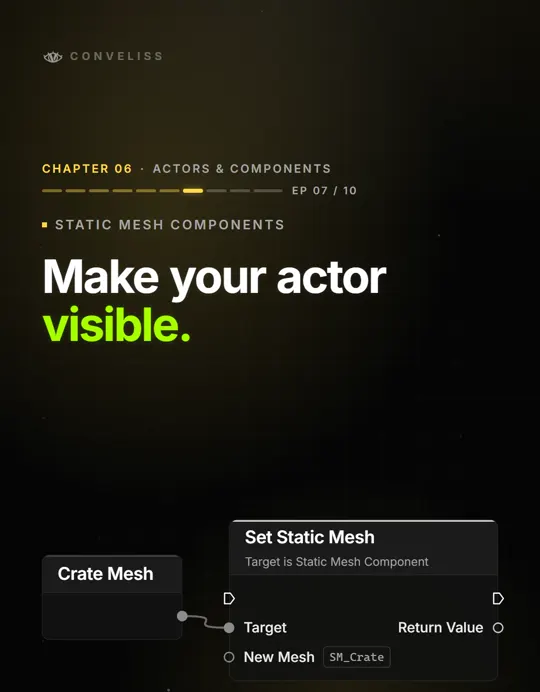
- To swap the model during play, call Set Static Mesh. Its Return Value is true when the change worked.
- Set Material changes a single slot, chosen by its Element Index.
Example: a breaking crate
- When it breaks, Set Static Mesh swaps in a broken crate mesh, and the new model appears instantly.
- Set Material with Element Index zero recolors only the first slot.
But if the component’s Mobility is Static, Set Static Mesh returns false, and the crate never changes. Set Mobility to Movable for any mesh you change during play.
Tips
- Debugging a swap? Print the Return Value, and check the Output Log for Mobility warnings.
- A hundred crates can share one mesh asset. Each component only holds a reference.
In short
One component, one mesh asset.
Covered in this lesson
- Static Mesh Component
- Set Static Mesh
- Set Material
- Set Mobility