Chapter 05 Functions & Collections
#046 Maps
Look up any item's price by its name, with one node, and no loop.
- 1:14 video
- Written lesson
- Beginner
Free for everyone from 8 Nov 2026, 00:00 CET
Key and value pairs
Searching an array by name means looping through every item.
A Map stores key and value pairs. Create a variable, set its container type to Map, then pick a key type and a value type.
- Keys can be names, strings, integers, or even actor references.
- Every key is unique. Adding a key that already exists replaces its value.
- Values can be anything, even a struct with several fields per key.
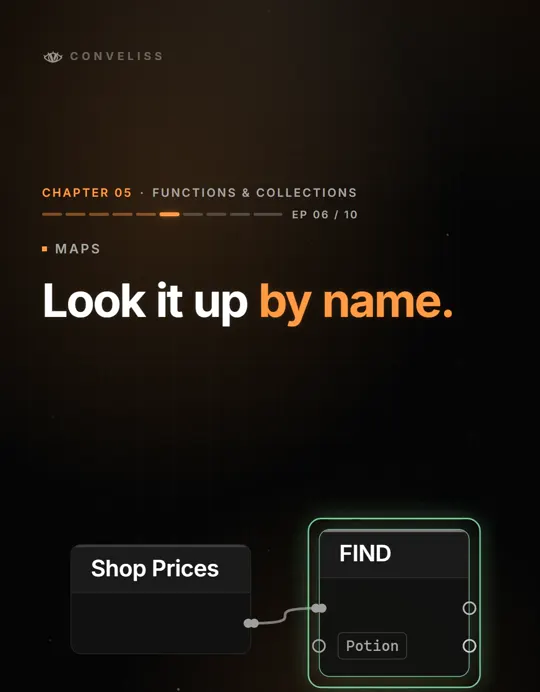
Find takes a key and returns its value, plus a boolean: true when the key exists. Remove deletes a key, and Keys or Values give you arrays to loop over.
Example: a shop
A shop map holds item names as keys and prices as values.
- Find Potion returns twenty-five, and true.
- Find Bow, a key that isn’t there, and you get zero, and false.
Skip that check, and the bow is free. Branch on Find’s boolean first: True sells the item, False shows Not for Sale.
Two limits
- Maps have no reliable order: never expect keys back in insertion order.
- Map variables can’t replicate, so multiplayer data needs arrays instead.
To debug a map, print its Length, or loop over Keys and print each one.
In short
Look up by key. Check the boolean.
Covered in this lesson
- Map
- Find
- Remove
- Keys
- Values
- Length
- Branch