Chapter 05 Functions & Collections
#047 Find in Map
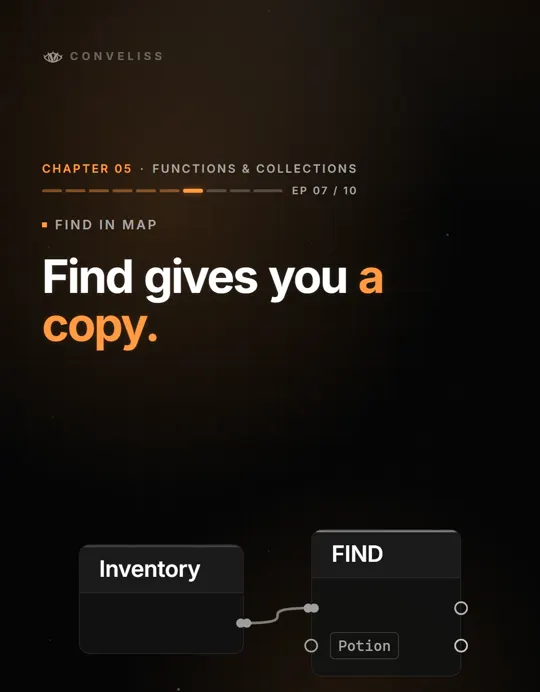
Your inventory count never goes up? Find hands you a copy, not the value inside your map.
- 1:12 video
- Written lesson
- Beginner
Free for everyone from 8 Nov 2026, 00:00 CET
Find reads a copy
Adding one to what Find returns changes nothing. Your map still holds the old count.
Find has two outputs: the value, and a boolean that says whether the key was found. That value is a copy. Editing it never changes your map.
To write back, call Add using that same key. Add replaces the old value.
When a key is missing, Find returns a default value: zero, false, an empty string, or None.
If you only need yes or no, use Contains instead. It returns just the boolean.
Example: an inventory
The inventory map holds Potion: two.
- Pick one up: Find Potion, add one, then Add Potion with three.
- Now pick up an arrow, a key that isn’t there yet. Find returns zero, plus one is one, and Add creates the key.
So for counters, that default zero is exactly what you want.
When a count drops to zero, Remove the key, or Find will still report true.
Tips
- Struct values work the same way: Find, change a copy, then Add it back.
- If Find keeps returning false, print the key you searched for. A typo or an extra space is a different key.
In short
Find reads a copy. Add writes it back.
Covered in this lesson
- Find
- Add
- Contains
- Remove
- Map