Chapter 06 Actors & Components
#055 Destroy Actor
Bullets that miss fly forever, and your level keeps filling up. Destroy them.
- 1:15 video
- Written lesson
- Beginner
Free for everyone from 12 Nov 2026, 00:00 CET
Video coming soon
Everything you spawn stays
Every actor you spawn stays inside your level until something removes it.
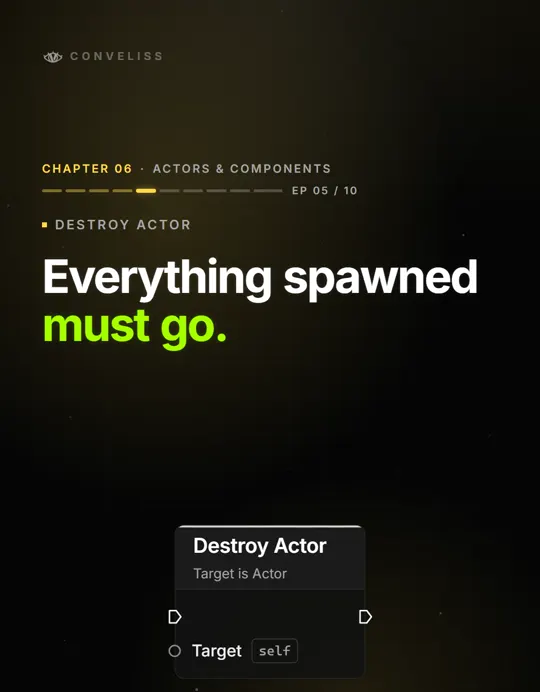
Destroy Actor removes its Target from your world. By default, the Target is self.
- It fires End Play with Destroyed as its reason, and Event Destroyed on that actor.
- Nodes wired after Destroy Actor still run in that same execution.
- References to a destroyed actor don’t turn into None right away, so check them with Is Valid.
- To remove one part only, use Destroy Component instead.
Example: a turret’s bullets
- On hit, the bullet spawns an impact effect at its location, then calls Destroy Actor.
- Bullets that miss never hit anything, so set Initial Life Span to three seconds. Three seconds later, Unreal destroys them automatically.
- The turret keeps an array of its bullets, so check each one with Is Valid before using that reference.
- Remove destroyed bullets from that array too, or the list keeps growing with dead references.
Tips
- Destroying an actor also removes its components, and clears its timers.
- Actors attached to it stay in your world: destroy those yourself.
- Set Life Span changes that countdown at runtime, per actor.
In short
Everything you spawn needs a way out.
Covered in this lesson
- Destroy Actor
- Event End Play
- Event Destroyed
- Is Valid
- Destroy Component
- Initial Life Span
- Set Life Span