Chapter 06 Actors & Components
#054 Spawn Transform
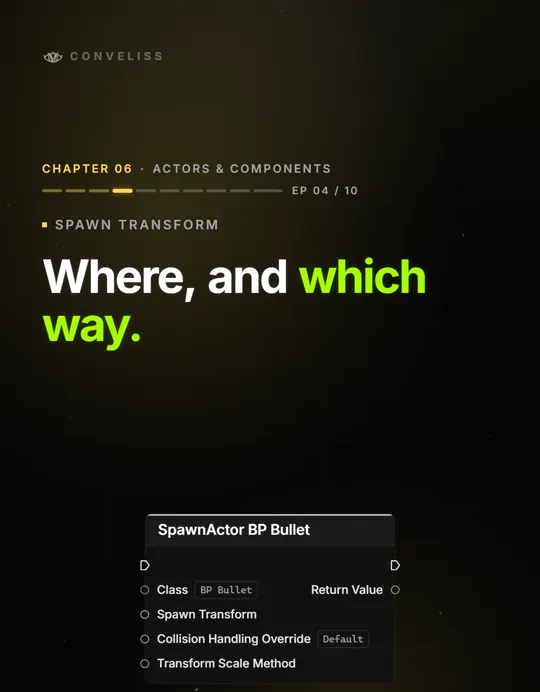
Bullets spawning inside your player, facing the wrong way? Fix the Spawn Transform.
- 1:19 video
- Written lesson
- Beginner
Free for everyone from 12 Nov 2026, 00:00 CET
Where and which way
Spawning at an actor’s own location puts a projectile inside its body, pointing wherever the default says.
A Transform holds three things: location, rotation and scale. Make Transform builds one from those three values.
- Keep Scale at 1, 1, 1. A scale of zero spawns an invisible actor.
- Get Actor Transform copies an actor’s transform, for spawning right where it stands.
- For gun muzzles, add an Arrow component, and read its Get World Transform. Its relative transform is measured from its parent, so never spawn from that value.
Example: a turret
The turret has a Muzzle arrow on its barrel. Fire calls Spawn Actor using the Muzzle’s world transform.
- The bullet appears at the barrel’s tip, already facing forward.
- Rotate the turret ninety degrees, and the next bullet follows the barrel, with no extra math.
- Using the turret’s own location instead spawns every bullet inside its base.
Each bullet copies its transform when it spawns, so turning later never bends bullets already flying.
Tip: an offset without a component
Add the actor’s forward vector, times a distance, to its location. Then feed that location, plus the actor’s rotation, into Make Transform.
In short
Spawn at your muzzle, not the middle.
Covered in this lesson
- Spawn Actor from Class
- Make Transform
- Get Actor Transform
- Arrow Component
- Get World Transform
- Get Actor Forward Vector