Chapter 07 Collision & World Queries
#062 Collision Channels
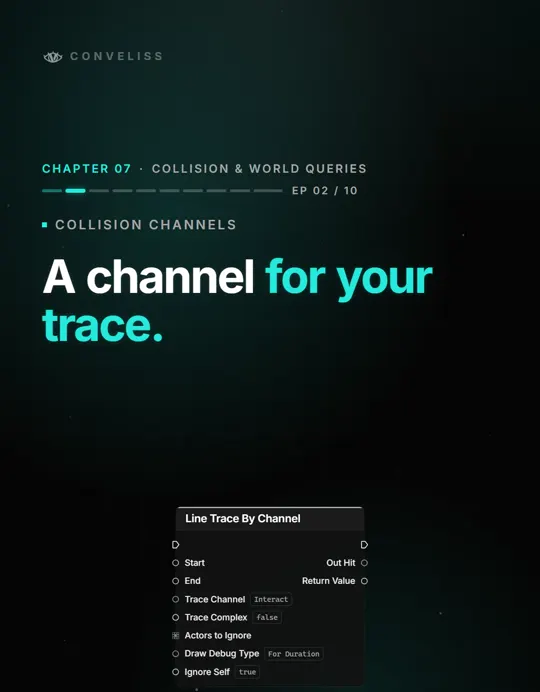
Your interact trace keeps hitting glass, grass, and invisible walls? Give it its own channel.
- 1:11 video
- Written lesson
- Beginner
Free for everyone from 16 Nov 2026, 00:00 CET
Video coming soon
Two kinds of channel
Almost everything blocks Visibility, so a trace using it stops at whatever blocks first.
- An Object Channel is what a component is: its Object Type, like Pawn or WorldDynamic.
- A Trace Channel is what a query looks for, like Visibility or Camera.
Add your own in Project Settings → Collision. You get eighteen custom channels, shared by both kinds.
Each channel has a Default Response. Every component follows that default, unless you override its response.
Example: an Interact channel
A trace channel called Interact has its Default Response set to Ignore. Line Trace By Channel uses Interact, starting at the player’s camera.
- The glass ignores Interact, so the trace passes straight through.
- The door blocks Interact, so the door is the hit.
Set the default to Block instead, and the glass stops the trace again.
Tips
- Name channels by purpose, like Interact or Projectile, not by the objects using them.
- After adding a channel, check your presets: each one starts out using its Default Response.
In short
A trace sees only what blocks its channel.
Covered in this lesson
- Object Channel
- Trace Channel
- Default Response
- Line Trace By Channel