Chapter 05 Functions & Collections
#044 Local vs Member Variables
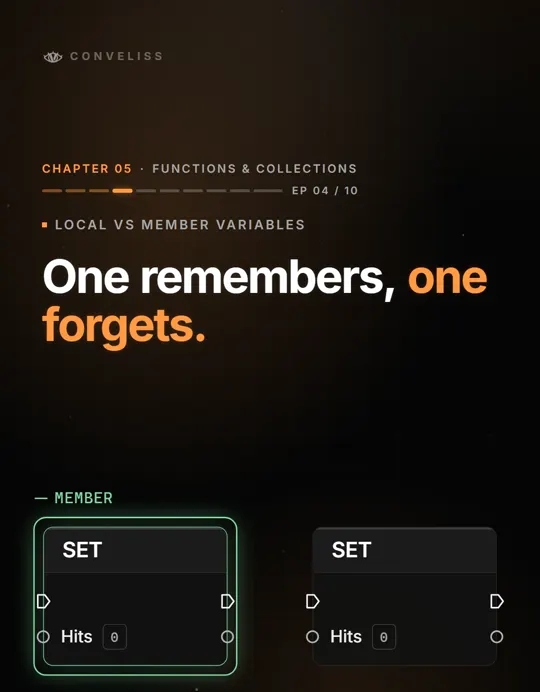
Two kinds of variables. One remembers, the other forgets after every function call.
- 1:15 video
- Written lesson
- Beginner
Free for everyone from 7 Nov 2026, 00:00 CET
Members remember
Pick the wrong kind, and a counter resets every time the function runs.
Member variables live in My Blueprint, under Variables. They belong to the actor, keep their value for its whole lifetime, and every graph of that Blueprint can use them. Two enemies built on one Blueprint each keep their own Health.
Locals reset
Local variables only exist inside a function. Open a function, and My Blueprint shows a Local Variables section.
A local is created fresh on every call, starts at its default value, and is gone when the function returns. No other graph can read a local, not even the Event Graph.
Example: Count Hit
Count Hit reads Hits, adds one, and sets it back.
- With Hits as a local, every call starts at zero, so it always shows one.
- Make Hits a member variable, and the count keeps growing: one, two, three.
Same nodes, same wires. Only where Hits is declared has changed.
Tips
- Use locals for temporary values. Right-click an output pin inside a function, and choose Promote to Local Variable.
- Scratch values stored as members keep stale data between calls, and clutter your variable list.
In short
Members remember. Locals reset every call.
Covered in this lesson
- Member Variable
- Local Variable
- Promote to Local Variable