Chapter 05 Functions & Collections
#042 Function Outputs
Your function did the math. Now how does the caller get the answer?
- 1:15 video
- Written lesson
- Beginner
Free for everyone from 6 Nov 2026, 00:00 CET
Video coming soon
Returning values
Values calculated inside a function stay inside, unless you return them.
Select the function, and in Details, under Outputs, click +. Unreal adds a Return Node, with one input per output. On every call, they show up as output pins, ready to wire.
- Reaching a Return Node ends the function right there, and hands the values back.
- One function can return several values, like Damage and Was Critical.
- Need a second exit? Copy and paste your Return Node. Every copy lists the same outputs.
Example: Calculate Damage
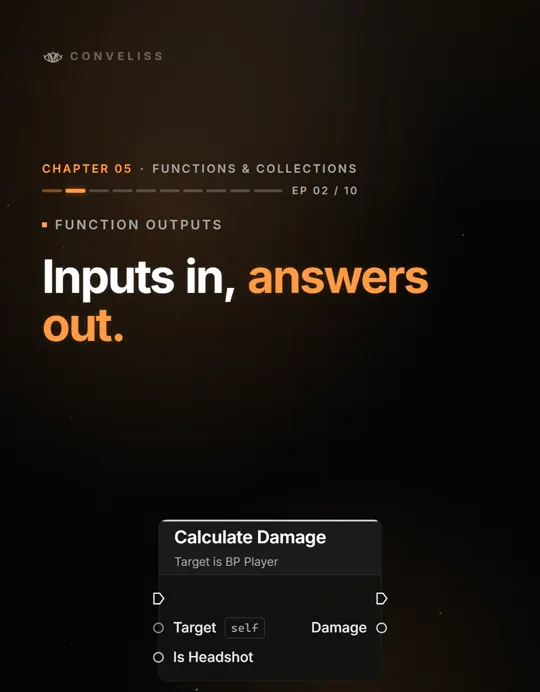
Calculate Damage takes Is Headshot in and gives Damage out. A Branch checks Is Headshot.
- True reaches a Return Node holding 40.
- False reaches one holding 20.
The caller wires that output straight into Take Hit. Body shot: twenty. Headshot: forty. Both paths end on a Return Node, so Damage is always filled.
Common mistakes
- A path without a Return Node. If the False branch just ends, the function still finishes, and Damage comes back as zero. It compiles without errors. Give every path its own Return Node.
- On impure calls, outputs hold whatever their last run produced, so read them only after calling.
In short
Inputs in, answers out.
Covered in this lesson
- Function
- Outputs
- Return Node
- Branch