Chapter 05 Functions & Collections
#049 Blueprint Function Libraries
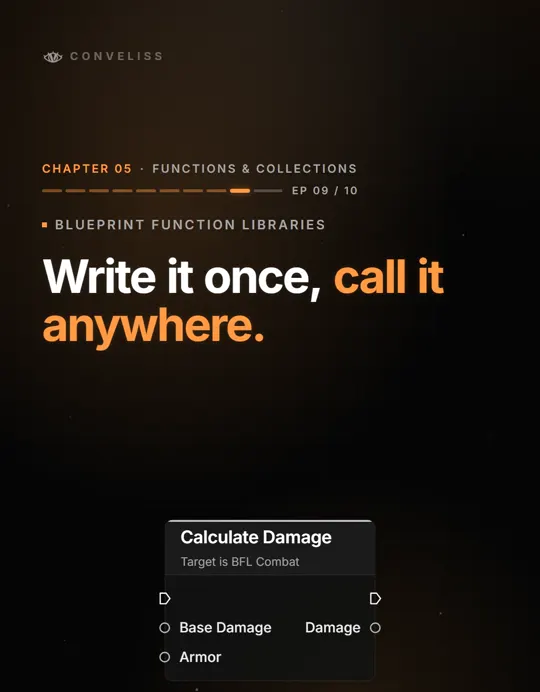
Copying the same damage formula into every Blueprint? Write it once, call it anywhere.
- 1:17 video
- Written lesson
- Beginner
Free for everyone from 9 Nov 2026, 00:00 CET
Video coming soon
One function for every Blueprint
Copies drift apart: fix one, and the others keep the old bug.
A Blueprint Function Library is an asset full of functions that any Blueprint can call. Open your Content Browser, right-click, Blueprint → Blueprint Function Library.
- Its functions are static: no target pin, and no reference needed to call them.
- That also means no Self. Pass everything a function needs as inputs.
- A library can’t hold variables and has no Event Graph, only functions with local variables.
- Latent nodes like Delay aren’t allowed either, just like in any function.
Example: Calculate Damage
Calculate Damage is Base Damage minus Armor, never below zero.
- The player’s sword calls it: thirty minus ten is twenty.
- A turret calls that same function: forty minus fifty becomes zero, not minus ten.
Change the formula once, and every caller gets the fix.
Tips
- Set a Category in each function’s Details, so it’s easy to find from your right-click menu.
- For calculations without side effects, tick Pure, so no execution wires are needed.
- Logic that needs state, like a cooldown timer, belongs in an actor or a component, never in a library.
In short
Shared logic? Put it in a library.
Covered in this lesson
- Blueprint Function Library
- Category
- Pure