Chapter 01 Blueprint Fundamentals
#002 Cast To
What does Cast To actually do in Unreal Engine 5?
- 0:44 video
- Written lesson
- Beginner
Free for everyone from 27 Oct 2026, 00:00 CET
What Cast To checks
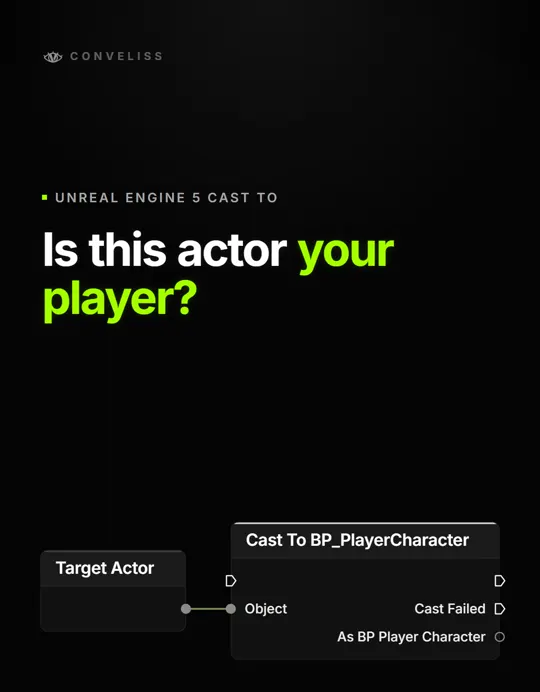
Cast To takes an existing reference and checks its class at runtime. If the object is that class, or a child class of it, the cast succeeds. If not, execution leaves through Cast Failed.
A working example
Give an Actor Blueprint a Box Collision. When something enters the box, On Component Begin Overlap gives you Other Actor. That is just an Actor reference, so you can’t call player functions on it yet.
Plug Other Actor into the Object pin of Cast To BP Player Character. On success, you get a typed reference and can call player functions, like Show Interaction Prompt.
- The player walks in: the cast succeeds and the prompt appears.
- A crate gets pushed in: the cast fails and the Cast Failed path runs.
The detail to remember
Cast To checks a reference. It never creates one and never finds one. You always need a reference first, from an overlap, a trace, a variable or another node.
Covered in this lesson
- Cast To
- Cast Failed
- On Component Begin Overlap
- Other Actor
- Box Collision