Chapter 01 Blueprint Fundamentals
#003 Blueprint Interfaces
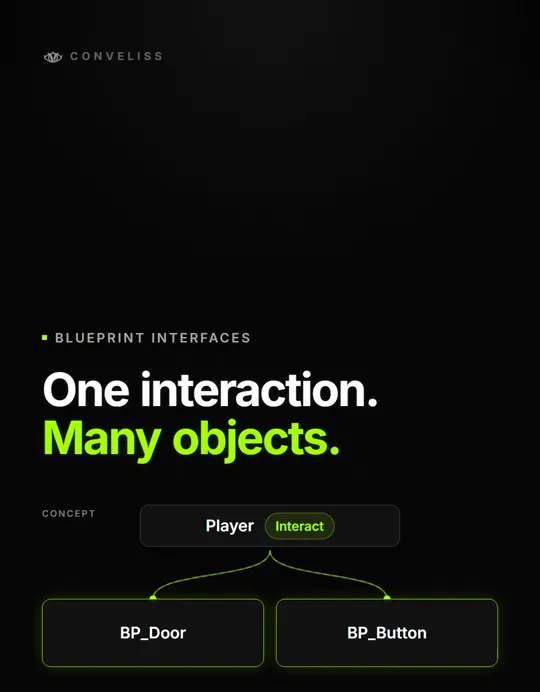
One interface. Different Blueprints. Different behaviours.
- 0:48 video
- Written lesson
- Beginner
Free for everyone from 27 Oct 2026, 00:00 CET
An interface is a contract
A Blueprint Interface is a contract of function signatures. BPI Interact defines one function, Interact, with no implementation. Each Blueprint that implements the interface provides its own behaviour.
Implementing it
In BP Door, open Class Settings and add BPI Interact to the implemented interfaces. Then place Event Interact and connect it to your own Open Door function.
Sending the message
The player already has a target reference, for example the Hit Actor from a line trace. Call the Interact message and plug that reference into Target. The door receives the message and opens.
One message, many behaviours
BP Button implements the same interface. Send the same message: the door opens, the button activates. There is no cast to each class, and if an actor doesn’t implement the interface, nothing runs.
In short
One interface, different implementations. The sender doesn’t need to know what kind of actor it is talking to.
Covered in this lesson
- Blueprint Interface
- Class Settings
- Interface Message
- Event Interact
- Hit Actor