Chapter 07 Collision & World Queries
#067 Break Hit Result
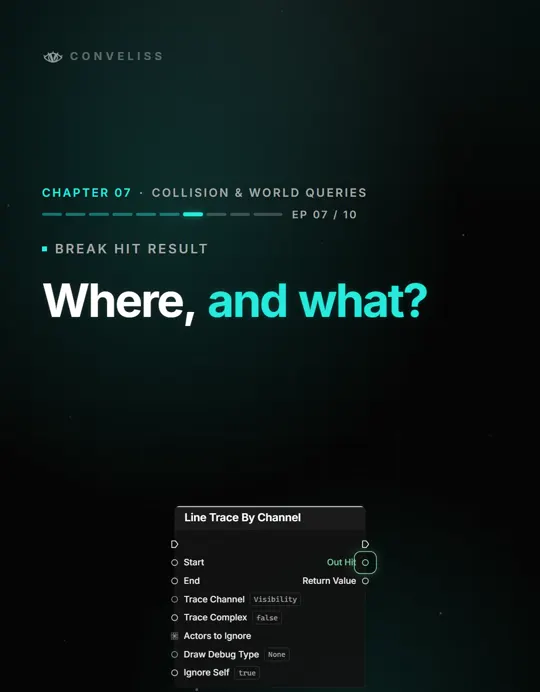
Your trace hit something. But where exactly, and what was hit?
- 1:13 video
- Written lesson
- Beginner
Free for everyone from 18 Nov 2026, 00:00 CET
Video coming soon
Open the struct
Out Hit is one struct, packed with data. You can’t read it until you break it apart. Drag from Out Hit, and choose Break Hit Result.
- Blocking Hit tells you whether anything blocked the trace.
- Hit Actor and Hit Component tell you what was hit.
- Impact Point is the exact contact, and Impact Normal points outward, square to that surface.
- Distance is measured from Trace Start. Time is the same idea, as a fraction from zero to one.
- For line traces, Location equals Impact Point. They only differ for shape traces.
Example: rifle sparks
A rifle traces from its muzzle to a wall. Spawn sparks at the Impact Point, rotated with Make Rot from X, fed by Impact Normal. The sparks spray outward, facing away from the surface.
Common mistakes
- Using the result without a hit. Aim at the sky: nothing blocks, but the Break still outputs values, and Impact Point is zero. Spawn without checking, and sparks appear at the world origin. Branch on Return Value first.
Tips
- Phys Mat gives you the surface type, like metal or wood, to pick the right impact sound.
- Hit Bone Name tells you which skeletal mesh bone was hit, like the head.
In short
Check the hit first, then break the result for where and what.
Covered in this lesson
- Break Hit Result
- Blocking Hit
- Hit Actor
- Impact Point
- Impact Normal
- Make Rot from X
- Phys Mat
- Hit Bone Name