Chapter 02 References & Essential Nodes
#017 FlipFlop Node
One key, two actions: on, off, on again.
- 0:54 video
- Written lesson
- Beginner
Free for everyone from 27 Oct 2026, 00:00 CET
How FlipFlop works
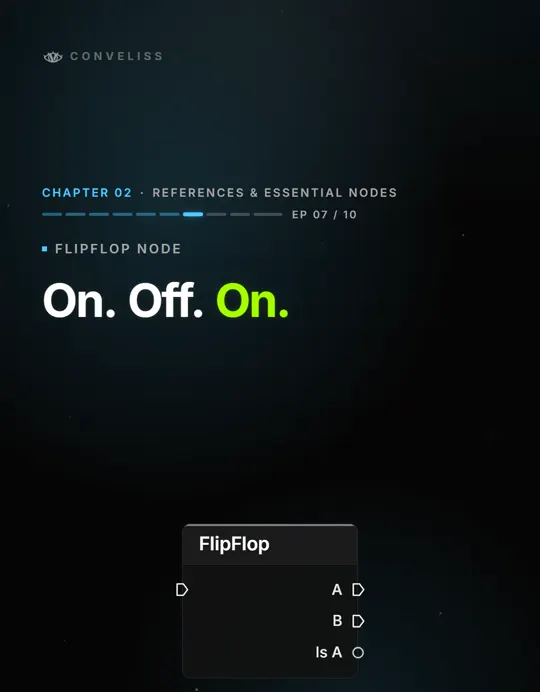
FlipFlop has one exec input and two exec outputs: A and B. The first pulse leaves through A, the second through B, then A, B, A, alternating forever. It also outputs Is A, a Boolean that is true when A just fired.
Example: a flashlight
Wire your key event into FlipFlop. A sets the light’s Visibility to true; B sets it to false. Every press runs just one path, never both.
The catch
FlipFlop remembers its own state, and no other node can read it. If something else turns the light off, the next press still follows the old pattern. And there is no reset input: you can’t force it back to A.
The Boolean toggle
When other systems need the state, store a Boolean like Is Light On. Branch on that Boolean, then set the opposite value with a NOT Boolean node.
In short
A, then B, then A again. Use FlipFlop for simple toggles; for shared state, use a Boolean.
Covered in this lesson
- FlipFlop
- Is A
- Set Visibility
- Branch
- NOT Boolean