Chapter 01 Blueprint Fundamentals
#006 Branch Node
One Boolean, two paths: how does a Blueprint make a decision?
- 0:44 video
- Written lesson
- Beginner
Free for everyone from 27 Oct 2026, 00:00 CET
Video coming soon
How Branch decides
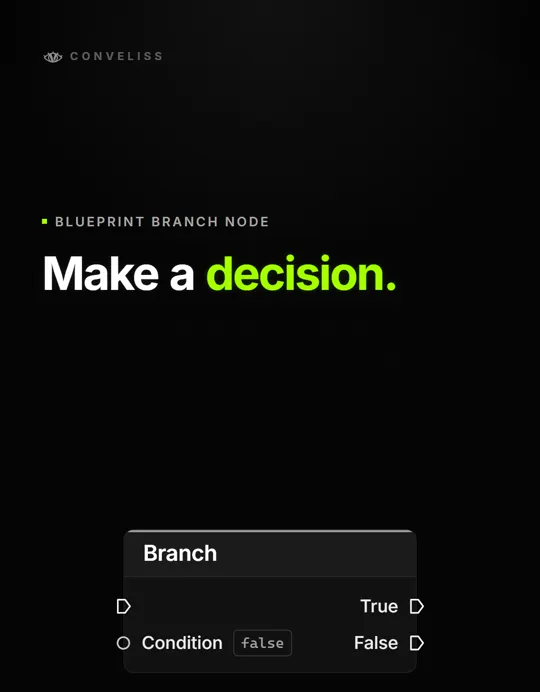
Branch works like an if statement. It reads one Boolean, the Condition. If it is true, execution leaves through True; otherwise it leaves through False. Only one path runs each time.
Branch checks the Condition only when execution arrives, not whenever the value changes.
Example: a locked door
A door should open only if the player Has Key. When the player interacts, plug the Has Key variable into Condition.
- Without the key, Condition is false: it prints Door Locked.
- Pick up the key, and the same Branch opens the door.
Tips
- Hold B and click in the graph to place a Branch fast.
- Need more than two outcomes? Chain Branches, or use a Switch node.
In short
One Boolean, two paths, and only one of them runs.
Covered in this lesson
- Branch
- Condition
- Boolean
- Switch