Chapter 02 References & Essential Nodes
#011 What Is an Actor Reference
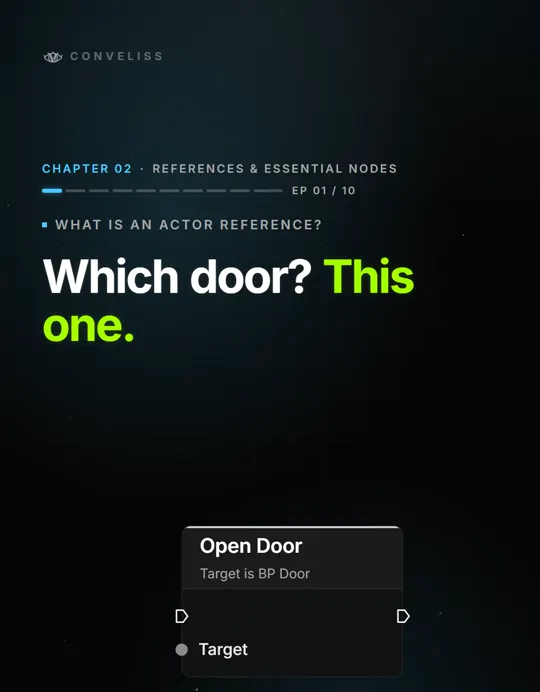
Your lever can't open just any door. It needs a reference.
- 0:58 video
- Written lesson
- Beginner
Free for everyone from 27 Oct 2026, 00:00 CET
A pointer to one actor
A lever Blueprint can’t just open “the door”. It needs a reference to one specific door. An Actor reference is a variable that points at one placed actor. It isn’t a copy: changes made through it affect the real actor.
Creating one
Create a variable and set its type to BP Door, Object Reference. Until you assign an actor, its value is None.
Drag from the variable to call functions on that exact door, like Open Door. Call through None, and the call is skipped with an Accessed None error.
Where references come from
- Overlap events give you Other Actor.
- Line traces give you Hit Actor.
- Get Player Character returns the player.
- Spawn Actor returns the new actor.
Store a reference once, then reuse it everywhere. For example, on BeginPlay, Set Player Ref to Get Player Character.
Choosing a placed actor per instance
A class default can’t point to an actor placed in a level. Make the variable Instance Editable, then select each placed lever and choose its door in the Details panel.
In short
A reference points to one actor. Assign it first, then use it.
Covered in this lesson
- Object Reference
- None
- Accessed None
- Other Actor
- Hit Actor
- Get Player Character
- Spawn Actor
- Instance Editable